Basic assumptions:
1) You have Windows OS.
2) You have DVD decrypter installed. Find it here.
3) You know how to use torrents, and have a torrent program. Don’t know how to torrent? Leave a comment to request a tutorial.
4) You have a program that can unzip rar files. I recommend WinRar. Get it here.
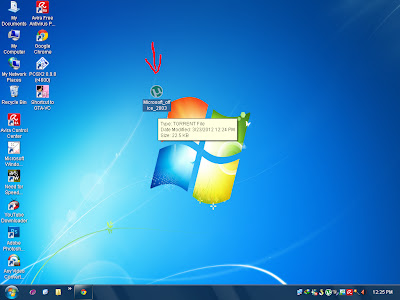
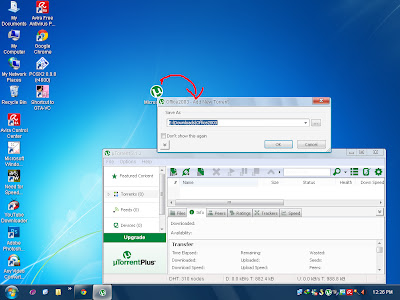
Step 1. Go to My Website, and using your torrent program (I use utorrent) download a PS2 game. If you reside in the United States, make sure you download the NTSC version. If you get a PAL game, it will not work on your TV because it will flicker due to the refresh rate of the TV. NTSC games have 60 Hz refresh rate, but PAL games have 50 Hz refresh rate.
Step 2. Most often than not, the PS2 game you download will comprise of multiple rar files. Select the first rar file, right click and extract it.

Step 3. Once your game is extracted, you should have an .ISO file. Now open up your dvd decrypter program. Go to Mode > Iso > Write. Insert a blank DVD+R or DVD-R. It is recommended that DVD-R is used because of better compatabilty with PS2 laser, but I have DVD+R work fine so it shouldn’t be an issue.

Step 4. Your screen should look like the one below now. Make sure to set the write speed to half the max rated speed of your blank DVD-r or DVD+r. For instance, if your DVD disc max write speed is 16X, put your burner speed setting at 8X.

Step 5. Now the game should be burning to the DVD.

Step 6. After a few minutes (depending on the speed of your DVD burner), DVD decrypter is complete! Now use your favorite PS2 modchip device and it will work on your PS2.

If the game does not work, then there are two things that need to be done.
1) Use a different disc.
2) The game needs to be rebuilt, but thats another tutorial
I hope this helps. If questions, please leave comments! Enjoy!